Medication List Builder
Enter Your Medication Details
Your Medication List Preview
Click the button below to print or save your list
Keeping track of your medications isn’t just a good idea-it’s a lifesaver. Every year in the U.S., about 1.3 million emergency room visits happen because of medication errors. Many of these could be prevented with a simple, up-to-date list of everything you take. Whether you’re managing a few prescriptions, juggling supplements, or caring for an aging parent, having a clear, accurate medication list makes all the difference.
Why a Medication List Matters
Think about this: You go to the ER after falling, or you’re admitted to the hospital for surgery. The doctor asks, "What meds are you on?" If you can’t remember, or you forget your blood pressure pill, or you don’t mention the turmeric supplement your cousin swore by, that’s a problem. Medication errors don’t just cause side effects-they can lead to falls, kidney damage, dangerous interactions, or even death. The FDA says a clear medication list helps prevent harmful drug interactions and makes sure you get the right medicine every time. A 2022 study found that 67% of ER patients couldn’t accurately recall their own medications. That’s not just forgetfulness-it’s a system failure. A written or digital list fixes that. And it’s not just for emergencies. During routine doctor visits, having your list ready means less guesswork. Your provider can spot duplicates, check for interactions, and adjust doses safely. One study in JAMA Internal Medicine showed that using a structured list reduced medication reconciliation errors by 42% during hospital transitions.What to Include on Your Medication List
A good medication list doesn’t just list names. It gives context. Here’s what you need to track for every item:- Medication name (brand and generic, if applicable)
- Dosage (e.g., 10 mg, 500 mg)
- Frequency (e.g., once daily, twice a day, as needed)
- Purpose (what it’s for-e.g., "for high blood pressure," "for joint pain")
- Prescribing doctor
- Pharmacy name
- Start date (when you began taking it)
- Notes (side effects, special instructions like "take with food," or if it’s an OTC or supplement)
Printable Templates: Simple, Reliable, and Always Accessible
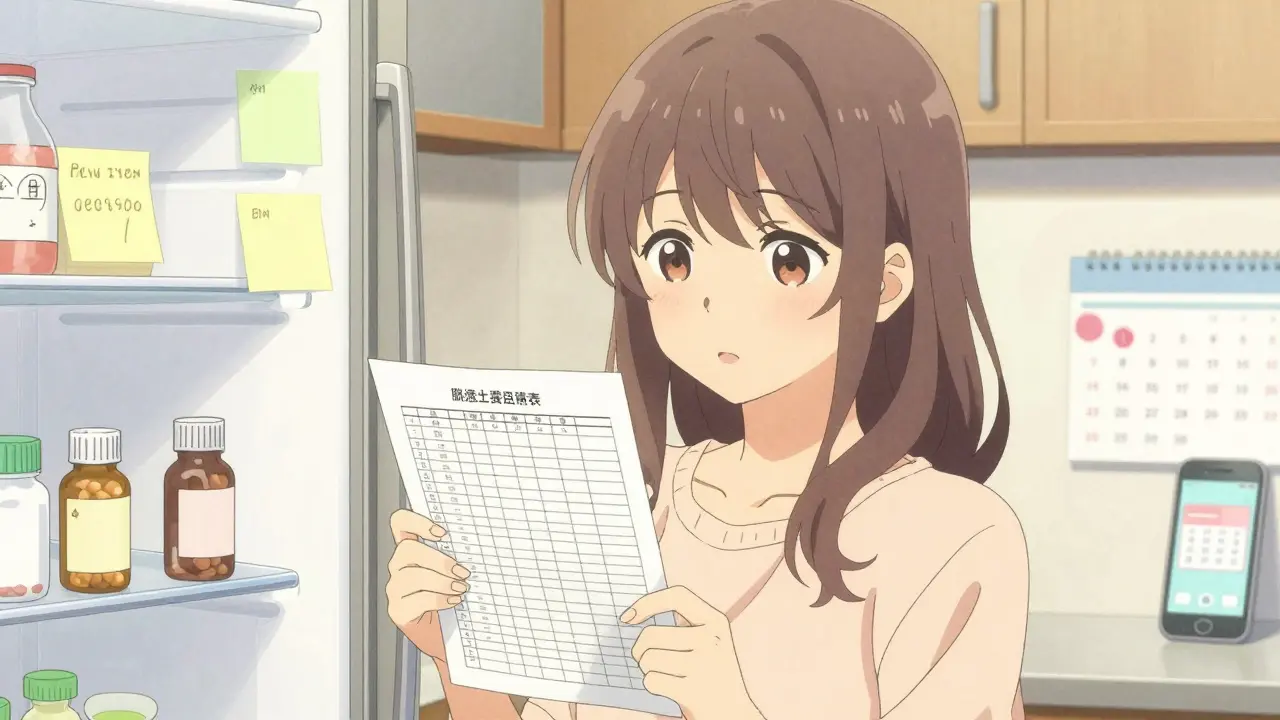
Not everyone wants to use a phone app. Older adults, caregivers, or people without reliable internet still rely on paper. The good news? There are plenty of free, well-designed printable templates out there. The Family Caregivers Online template is one of the most popular. It’s available as a PDF (great for printing) and a Word document (so you can edit it on your computer). They even recommend keeping a copy in your fridge, wallet, and car-and taking a photo to store on your phone. One Reddit user, "NanaHelper2023," said this list saved her mom’s life after a stroke: "Paramedics used the fridge copy to avoid dangerous interactions with her blood thinners." The PrintFriendly template is another solid choice. It has nine clear fields: medication name, dosage, frequency, condition treated, doctor’s name, allergies, last update date, and notes. It’s simple, no fluff, and fits neatly on one page. The ASCP Foundation template, developed by the American Society of Consultant Pharmacists, is used by many hospitals and clinics. It’s trusted, professional, and designed with older adults in mind. But it doesn’t have fillable fields-you print it and write by hand. Here’s the catch: printed lists only work if they’re updated. A 2024 Johns Hopkins study found that 19% of medication lists brought to appointments had at least one discontinued medication. That’s worse than having no list at all. To avoid this, set a monthly reminder on your phone or calendar to review and revise your list. Keep a pen next to it. Update it right after a pharmacy visit or doctor’s appointment.
Digital Templates: Editable, Shareable, and Smart
If you’re comfortable with tech, digital templates are more powerful. They’re easier to update, share, and back up. The SimpleNursing drug card template is popular among students and caregivers. It comes in three formats: full-page, single flashcard, or four-per-page. It’s a fully editable PDF, so you can type directly into it. It even includes fields like "mechanism of action" and "nursing considerations"-useful if you’re learning about meds or helping someone with complex needs. Family Caregivers Online updated their template in June 2024 to include a QR code. You print the list, scan the code with your phone, and instantly pull up the latest version. No more fumbling through papers in an emergency. The SingleCare templates are designed for caregivers. They include a checklist for daily medication tracking, and they’re rated 4.7 out of 5 by over 300 users. But some caregivers say the layout is too crowded for elderly eyes. If you’re printing for someone with vision issues, go for larger fonts and fewer fields. And here’s something new: the FDA’s 2024 Digital Health Innovation Plan is pushing for medication lists to connect with electronic health records. That means one day, your phone list might automatically sync with your doctor’s system. But for now, most free templates don’t do that. You still have to manually update them.Which Template Should You Choose?
There’s no one-size-fits-all. Here’s how to pick:- For older adults or non-tech users: Use a simple printed template (PrintFriendly or ASCP) with big fonts. Keep copies in visible places-fridge, nightstand, purse.
- For caregivers managing multiple people: Use the SingleCare caregiver checklist or Family Caregivers Online’s editable Word version. It lets you track multiple people on one document.
- For people on 5+ meds: Go digital. Use a fillable PDF or Word doc so you can easily edit and print new versions. Add notes like "avoid grapefruit" or "take on empty stomach."
- For cultural or traditional medicine users: Use the CDC’s template-it’s the only one that includes space for herbal remedies, spiritual medicines, or culturally specific treatments.
- For people who forget to update: Use a template with a QR code or store a photo on your phone. Set a weekly phone reminder to open and check it.
How to Use Your Template: A Step-by-Step Guide
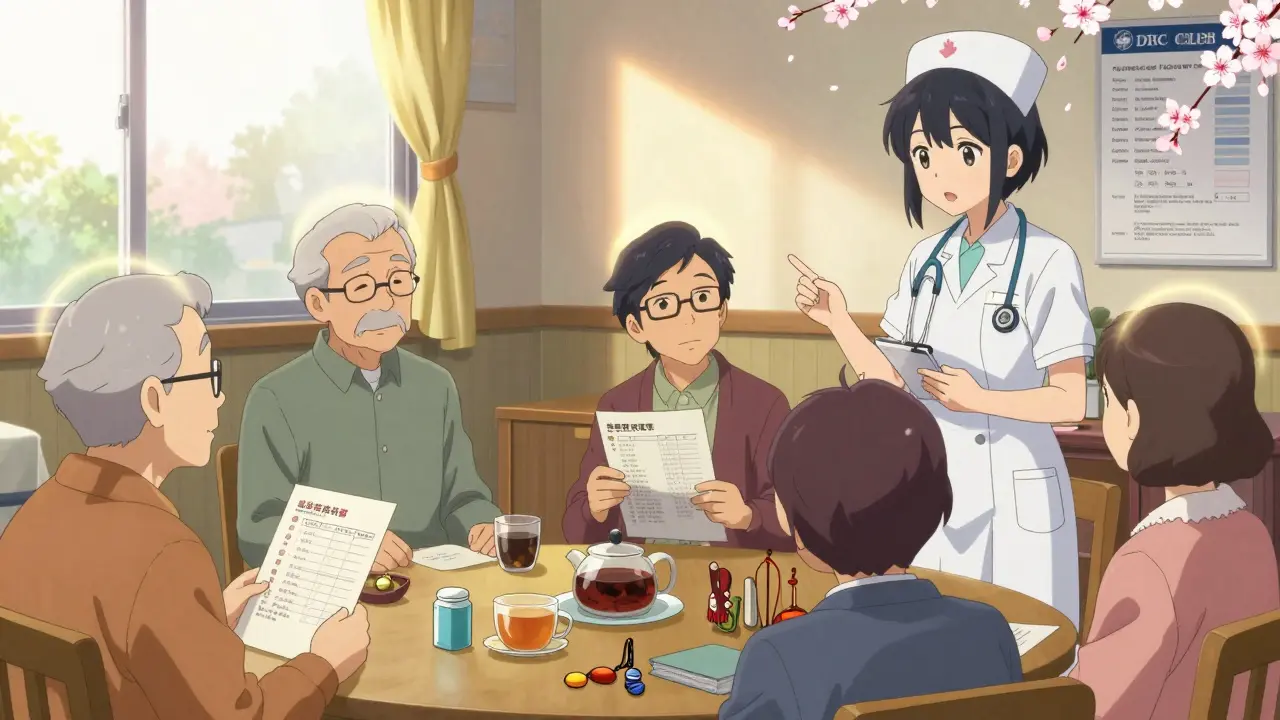
1. Gather all your meds. Go through your medicine cabinet, pill organizer, and purse. Include prescriptions, OTCs, vitamins, and supplements. 2. Write down each one using the fields above. Don’t skip anything-even the "just in case" pills. 3. Update the date. Put today’s date at the top. This tells everyone it’s current. 4. Share it. Give a copy to your main doctor, pharmacist, and primary caregiver. If you live alone, leave one with a neighbor or friend. 5. Update it every time something changes. New prescription? Cross out the old one and write the new. Stopped a pill? Mark it "discontinued" and note the date. 6. Keep it accessible. Printed? Put it on the fridge. Digital? Save it in your phone’s notes or cloud storage. Take a photo and send it to someone you trust.What Doesn’t Work
Don’t rely on memory. Don’t write on a napkin. Don’t keep your list in a drawer you never open. Don’t use an app that doesn’t let you export or print a copy. And don’t assume your doctor knows what you’re taking-most don’t. One common mistake? People list "aspirin" but don’t say it’s 81 mg for heart protection. Another? They forget to mention they take melatonin every night. These small omissions lead to big problems.What’s Next for Medication Lists
The future is digital. By 2026, 75% of medication lists will be managed through smartphone apps, according to Gartner. Apps like Medisafe and Round Health can sync with pharmacies, send reminders, and alert you to interactions. But for now, free templates are still the most widely used tool. And they work-if you use them right. The American Medical Informatics Association predicts patient-maintained lists will soon be part of your official health record. That means your list could one day auto-fill your doctor’s chart. Until then, the best tool is the one you actually use. Pick a template. Fill it out. Update it. Keep it handy. It’s not glamorous. But it could save your life-or someone else’s.What’s the best free medication list template?
There’s no single "best"-it depends on your needs. For simplicity and reliability, the PrintFriendly template works well. For caregivers, SingleCare’s checklist is highly rated. For editing and sharing, Family Caregivers Online’s Word version is ideal. If you use traditional medicines, the CDC’s template is the only one that includes those fields.
Should I use a printed list or a digital one?
Use both. A printed copy ensures you have it during emergencies when your phone dies or you’re in a hospital. A digital copy (on your phone or cloud) makes it easy to update and share. Many templates now include QR codes so you can scan and access the digital version instantly.
Do I need to include vitamins and supplements?
Yes. Over 23% of adults experience potential drug-supplement interactions. Supplements like St. John’s wort, ginkgo, or high-dose vitamin E can interfere with blood thinners, antidepressants, and heart medications. Your doctor needs to know everything you take-even if you think it’s "natural" or "harmless."
How often should I update my medication list?
Update it every time your meds change-new prescription, stopped pill, changed dose. At a minimum, review it every month. Set a phone reminder on the first of each month to open your list and check for updates.
Can I use a smartphone app instead of a template?
Yes, and many people do. Apps like Medisafe or Round Health offer reminders and pharmacy sync. But free templates are still the most accessible and reliable for emergencies. Always have a printed or photo copy as backup. Apps can crash, get deleted, or lose sync.
What if I can’t read or write well?
Ask a family member, pharmacist, or caregiver to help you fill it out. You can also take pictures of your pill bottles and label them with the date. Some templates now have voice-note options or pictorial guides. The goal is to have accurate info available-however you get there.
Is it safe to store my medication list on my phone?
It’s safe if you protect your phone with a passcode or biometric lock. Avoid storing it in unsecured cloud services or messaging apps. Use your phone’s Notes app, a password-protected PDF, or a trusted health app. Never email it without encryption.
Where should I keep my printed medication list?
Keep copies in places where help might be needed: your wallet, purse, fridge, bedside table, and car. Give one to your main caregiver, pharmacist, and emergency contact. Paramedics are trained to check the fridge and nightstand during emergencies.



Comments (9)
vivek kumar
The FDA’s 67% ER patient recall failure statistic is terrifying-and completely avoidable. I’ve seen elderly patients in India bring lists written on napkins, grocery receipts, even the back of a chai wrapper. No one’s teaching this in schools. Why is this still a personal responsibility and not a standardized healthcare requirement? We need mandatory medication literacy in primary care, not just handouts.
Riya Katyal
Oh wow, a printable template. How revolutionary. Next they’ll invent a wheel for your pills. Meanwhile, my grandma’s list is on a sticky note next to her ‘I’m not dead yet’ mug. At least it’s honest.
Henry Ip
Just printed the PrintFriendly one and stuck it on my fridge. Updated it after my last pharmacy trip. Took 7 minutes. Best 7 minutes I’ve spent this month. Seriously, do it. Your future self will thank you.
And yes, include the turmeric. I learned that the hard way.
kanchan tiwari
THEY’RE WATCHING YOU. The FDA doesn’t want you to know this but every digital template has a backdoor. They’re tracking your supplements to push Big Pharma’s new antidepressants. Your ginkgo? That’s a threat. Your vitamin D? Classified as a ‘potential drug interaction risk.’
Print it. Burn it. Hide it. The government can’t control what they can’t see. And if you use a QR code? You’re already compromised.
Bobbi-Marie Nova
Okay but can we talk about how wild it is that we still have to do this ourselves? Like, imagine if your car manual came with a sticky note that said ‘remember to put gas in’ and you had to write it down yourself. We’re literally living in a healthcare dumpster fire.
Also, I use the Family Caregivers template on my phone. I screenshot it and send it to my mom every time I change my thyroid med. She’s 82 and still thinks ‘as needed’ means ‘whenever I feel like it.’
Update your list. It’s not a chore. It’s your lifeline.
Samyak Shertok
You say ‘simplicity wins’ but you’re just reinforcing the capitalist illusion that health is a personal product to be optimized. The real problem isn’t that people forget their meds-it’s that the system forces them to manage it alone. Why isn’t this synced to insurance databases? Why aren’t pharmacists legally required to auto-generate and update lists? Because profit > prevention.
Your template is a Band-Aid on a severed artery.
Stephen Tulloch
Bro I use Medisafe. It’s lit. 📱💯 But I still print the ASCP one because my auntie in Toronto doesn’t have a phone and her grandson keeps losing the paper. So I made a laminated version with a keychain. Like a med ID card. 10/10 would recommend.
Also, if you’re taking St. John’s wort and SSRIs? You’re basically playing Russian roulette with serotonin. Just sayin’.
evelyn wellding
Just got my mom’s list updated and sent it to her doctor. She cried. Not because it was hard-but because someone finally asked her to take it seriously. You’re not just making a list. You’re giving someone dignity. 💪❤️
Chelsea Harton
update it monthly. or else.
also include the ginseng. everyone forgets the ginseng.