
FDALabel Search Simulator
Simulate how to search FDA drug labels for specific safety information. This tool demonstrates FDALabel's search capabilities for regulatory professionals and healthcare providers.
Search Parameters
How to Use This Simulator
Try this example search:
Search term: "liver toxicity"
Search in: Boxed Warning
This would show drugs with FDA-mandated warnings about liver damage, like certain NSAIDs.
Search Results
When you need to know exactly what’s written in the official FDA label for a drug - not a summary, not a blog post, but the real, legal, approved text - there’s only one place to go: FDALabel. It’s not flashy. It doesn’t have patient-friendly summaries or side effect checklists. But if you’re a pharmacist, researcher, regulatory specialist, or even a curious patient digging deep, FDALabel is the only source that gives you direct access to the full, unedited labeling documents for over 149,000 FDA-approved drugs. And it’s completely free.
What Exactly Is FDALabel?
FDALabel is a web-based search tool built and maintained by the U.S. Food and Drug Administration’s National Center for Toxicological Research. It doesn’t just list drugs - it lets you search the actual text inside every approved drug label. These labels, called Structured Product Labeling (SPL) documents, are the legal documents manufacturers submit to the FDA. They contain everything: active ingredients, dosing instructions, boxed warnings, side effects, drug interactions, contraindications, and more. Unlike Drugs@FDA (which tells you when a drug was approved) or DailyMed (which displays labels in a static format), FDALabel lets you search across the entire body of these documents. Need to find all prescription drugs with a boxed warning for liver failure? Done. Want to see every OTC product that lists drowsiness as a side effect in the "Warnings" section? FDALabel finds it in seconds. It’s updated twice a month with new labels from manufacturers. As of July 2024, it contained 149,000+ documents - up from 100,000 in 2018. That’s not just growth - it’s a reflection of how much regulatory transparency has expanded.Who Uses FDALabel - And Why?
You might think this is only for FDA employees or big pharma lawyers. But here’s who really uses it:- Pharmacists checking if a new drug interaction has been officially documented.
- Researchers studying patterns in adverse events across drug classes.
- Regulatory affairs staff at drug companies comparing their label language to competitors’.
- Healthcare providers verifying dosing for rare conditions not covered in textbooks.
- Patients and caregivers looking for the exact wording about pregnancy risks or alcohol interactions.
How to Search FDALabel: Step by Step
Go to www.fda.gov/FDALabelTool or nctr-crs.fda.gov/fdalabel. No login. No subscription. Just search. Here’s how to get the most out of it:- Start with the basic search box. Type in a drug name, ingredient, or condition - like "metformin" or "liver toxicity". This searches the full text of all labels.
- Narrow your results. Use the filters on the left:
- Application Type: NDA (new drug), ANDA (generic), BLA (biologic)
- Product Category: Human Prescription, OTC, Animal Drugs
- Drug Class: Select from pharmacologic classes like "Antidiabetics" or "SSRIs"
- Search within sections. This is where FDALabel shines. Click "Search in Specific Sections" and choose from:
- Boxed Warning
- Adverse Reactions
- Drug Interactions
- Contraindications
- Warnings and Precautions
Searching "acute liver failure" only in Boxed Warnings gives you far more precise results than a general text search.
- Use MedDRA terms. If you’re looking for side effects, use standardized MedDRA terms like "hepatotoxicity" instead of "liver damage". FDALabel maps common terms to these official codes, making searches more accurate.
Try this real example: Search for "Human Prescription" + "NDA" + "acute liver failure" in "Boxed Warning". In 2018, this returned exactly 66 results. That’s 66 drugs with official FDA-mandated warnings about sudden liver failure. You can’t get that kind of precision anywhere else.
Exporting and Saving Your Searches
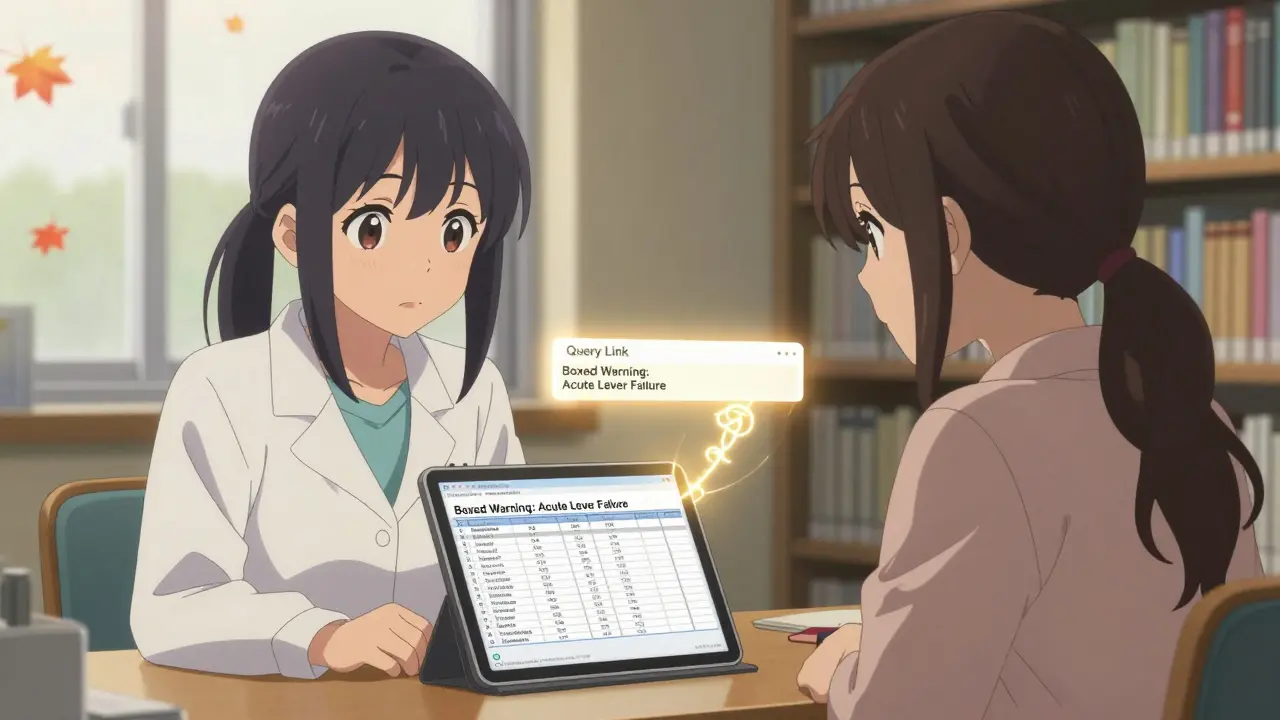
Once you find what you need, you can export results as CSV - but now, thanks to the July 2024 update, you can also export to Excel. The Excel file includes two tabs:- One with the search results (drug name, application number, label date)
- A second tab with the "Query Link" - a permanent URL that recreates your exact search
This is huge. Need to share your findings with a colleague? Send them the link. Need to redo the search next month? Just click it. No retyping. No guesswork.
The results table also has a locked header now. As you scroll down through hundreds of results, the column titles stay visible. No more losing track of what "NDA Number" means halfway down the list.
How FDALabel Compares to Other FDA Tools
Many people confuse FDALabel with other FDA resources. Here’s how they’re different:| Tool | Best For | Search Capability | Label Text Access | Updates |
|---|---|---|---|---|
| FDALabel | Finding exact wording in drug labels | Full text + section-specific + MedDRA + pharmacologic class | Yes - full SPL documents | Twice monthly |
| Drugs@FDA | Approval history, patent info, exclusivity | Drug name, sponsor, application number | No - links to labels, doesn’t search inside | Weekly |
| DailyMed | Reading a single label in clean format | Basic keyword search across titles only | Yes - but no advanced search | Daily |
| Orange Book | Generic drug equivalence and patents | Brand/generic name, patent number | No | Monthly |
FDALabel is the only tool that lets you search inside the actual regulatory language. If you’re verifying a boxed warning, checking for a rare interaction, or researching adverse event trends, nothing else comes close.
Limitations and What FDALabel Doesn’t Do
It’s powerful - but not perfect.- No pricing data. You won’t find cost, insurance coverage, or pharmacy availability.
- No clinical decision support. It doesn’t integrate with EHRs or give dosing recommendations.
- No patient summaries. Everything is in regulatory language. If you don’t know what "hepatotoxicity" means, you’ll need to look it up.
- No visual dashboards. It gives you data, not charts. You’ll need Excel or another tool to analyze trends.
It’s also not designed for casual browsing. If you just want to know if ibuprofen causes stomach upset, check the package insert or a patient site. FDALabel is for when you need the original, unfiltered, legally binding text.
Getting Started: Tips for New Users
The interface looks simple - but it’s dense. Here’s how to avoid frustration:- Start with section-specific searches. Don’t just type "dizziness". Search "dizziness" in "Adverse Reactions". You’ll cut your results by 80%.
- Use the Quick Start Manual. The FDA published a detailed guide (Version 2.3) with real search examples. Search for "FDALabel Quick Start Manual" online - it’s still relevant.
- Bookmark your key queries. Save the permanent links. You’ll thank yourself later.
- Learn MedDRA terms. If you’re researching side effects, knowing terms like "syncope" (fainting) or "hyperkalemia" (high potassium) makes your searches way more accurate.
- Subscribe to the FDALabel mailing list. The FDA sends out update notices, new feature announcements, and maintenance alerts. It’s the only way to stay current.
Many users report a steep learning curve at first. That’s normal. But after three or four searches, it clicks. You start seeing patterns - how certain drugs always have the same wording in Boxed Warnings, how generics mirror brand-name labels, how adverse event language evolves over time.
The Future of FDALabel
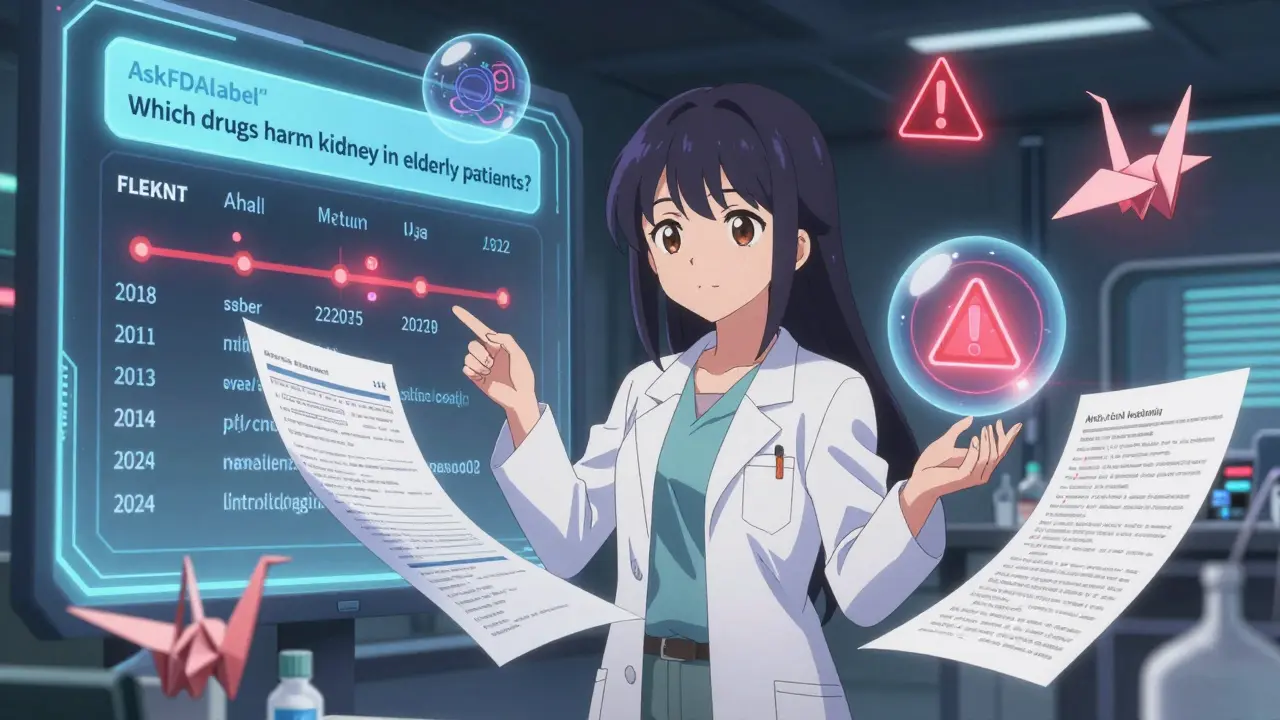
The July 2024 update was a big step. But the real innovation is happening behind the scenes. Researchers are already combining FDALabel with AI tools like ChatGPT to build "AskFDALabel" - a system that lets you ask natural language questions like, "Which drugs have the highest risk of kidney damage in elderly patients?" The AI pulls the exact label text from FDALabel, then summarizes it. This isn’t science fiction - it’s published research. The FDA’s roadmap includes deeper integration with the Orange Book, Drugs@FDA, and the Global Substance Registration System. Expect smarter filters, better term mapping, and maybe even visual heat maps showing which drug classes have the most safety warnings. One thing’s clear: as drug complexity grows and regulatory demands increase, tools like FDALabel aren’t optional. They’re essential.Frequently Asked Questions
Is FDALabel really free?
Yes. FDALabel is a public tool funded by the U.S. government and maintained by the FDA’s National Center for Toxicological Research. There is no cost to use it, no registration required, and no hidden fees. It’s designed to be accessible to anyone - patients, researchers, healthcare providers, or industry professionals.
How often is FDALabel updated?
The database is updated twice a month, usually around the 1st and 15th of each month. These updates include new drug labels, revised labeling for existing drugs, and corrections. The FDA announces major updates via a public mailing list, and the version number (currently 2.9 as of July 2024) reflects functional improvements.
Can I use FDALabel to find generic drug equivalents?
Not directly. FDALabel shows the full labeling text, but it doesn’t indicate therapeutic equivalence. For that, use the FDA’s Orange Book, which lists approved generic drugs and their bioequivalence status. However, you can use FDALabel to compare the active ingredients and dosing in a brand-name drug and its generic to confirm they match.
Why can’t I find my drug on FDALabel?
If your drug isn’t showing up, it may not be FDA-approved, or it might be an unapproved compound, dietary supplement, or veterinary product not covered by SPL requirements. FDALabel only includes drugs with formal FDA approval under NDA, ANDA, or BLA applications. Over-the-counter drugs must be marketed under an OTC monograph to be included. Some very new drugs may take a few weeks to appear after approval.
Does FDALabel include animal drug labels?
Yes. FDALabel includes labeling for both human and animal drugs. Use the "Product Category" filter to select "Animal Drugs". This is especially useful for veterinarians, researchers studying zoonotic drug effects, or regulatory professionals working in veterinary pharmaceuticals.
What’s the difference between a Boxed Warning and a Warning in FDALabel?
Boxed Warnings are the most serious safety alerts the FDA requires. They appear in a prominent black border at the top of the label and are reserved for risks that may cause death or serious injury. "Warnings" is a broader section that includes less severe but still important safety information. Searching specifically in "Boxed Warning" will only return drugs with the highest-level safety alerts.
Can I trust the information in FDALabel?
Yes. FDALabel pulls data directly from the official SPL documents submitted by drug manufacturers and reviewed by the FDA. These are the legally binding labels used by pharmacies, hospitals, and prescribers. Unlike third-party sites that may paraphrase or misinterpret labels, FDALabel gives you the original, FDA-approved text - no edits, no summaries, no opinions.
Comments (15)
Rachel Wermager
FDALabel’s MedDRA term mapping is non-negotiable for pharmacovigilance work. If you’re searching for 'liver damage' instead of 'hepatotoxicity', you’re doing it wrong. The system’s ontology alignment is baked into the SPL schema - it’s not a feature, it’s the backbone. Skip the layman terms, learn the code. Period.
Also, the export-to-Excel update? Finally. The locked headers alone saved me 20 hours last quarter. Nobody talks about UI ergonomics in regulatory tech, but this is what real user-centered design looks like.
Tom Swinton
Oh my gosh, I just spent 45 minutes searching for every drug with a boxed warning for QT prolongation - and I found 89 of them?!?!?! I mean, seriously - 89?!?!?! I’ve been prescribing amiodarone for years and never realized how many others carry the same risk - and now I can show my residents exactly where it’s written in the official label - not some sketchy Medscape summary - no, the actual FDA-approved text - and it’s FREE?!?!?! I just cried a little - not because I’m emotional - but because this tool is so beautifully, terrifyingly precise - and I didn’t even know it existed until last week - and now I’m telling everyone - everyone - I’m emailing my entire department - I’m posting it on our Slack - I’m printing out the Quick Start Manual and laminating it - this is the kind of thing that changes clinical practice - and it’s been sitting there, quietly, for years - and nobody talks about it - why? Why isn’t this on every med school syllabus?!
Leonard Shit
honestly i just type the drug name into google and click the first link. but hey, if you like reading regulatory jargon for fun, more power to you. 🤷♂️
Gabrielle Panchev
Wait - so you’re telling me the FDA actually maintains a free, searchable, comprehensive database of ALL approved drug labels - with section-specific filtering - and export functionality - and it’s not even promoted on their homepage?!?!?! This is the most egregious bureaucratic oversight since the 1980s - and now you’re just casually dropping this like it’s normal?!?!?! I’m filing a FOIA request just to see who approved this level of transparency - because if they’re letting this exist - what else are they hiding?!?!?! And why isn’t this on CNN?!?!?! This is national security-level public health infrastructure - and we’re treating it like a side project?!?!?! Someone needs to be fired - or promoted - I can’t tell anymore.
Katelyn Slack
i tried using this last week for my mom’s meds but got lost in the filters. maybe a video tutorial would help? thanks for sharing though :)
Melanie Clark
FDALabel is a distraction. The real issue is that drug labels are written by lawyers, not doctors. The FDA doesn’t care about patient safety - they care about liability. Every boxed warning is a legal shield, not a medical insight. And this tool? It just gives you more words to drown in. Meanwhile, real harm is happening because no one can afford the drugs - or the follow-up care - or the time to read 149,000 labels. This is digital placebo medicine. You think searching 'hepatotoxicity' fixes the opioid crisis? Wake up. The system is rigged - and this is just another shiny button to make you feel like you’re doing something while the real rot spreads.
Saylor Frye
Wow. You actually used FDALabel? How quaint. I just use PubMed Central + GPT-4 to parse the labels. This tool feels like using a typewriter when you’ve got a quantum computer.
Kiran Plaha
very useful tool. i am from india and i use it to check if my country's generic drugs have same warning as US brands. helps me trust my meds more. thank you.
Tiffany Adjei - Opong
Okay but let’s be real - FDALabel only includes drugs approved under NDA/ANDA/BLA - so what about all the unapproved compounds, compounding pharmacies, and off-label uses that are actually being prescribed? This tool gives you a false sense of security. You think you’re getting the full picture? You’re only seeing the tip of the iceberg - the part the FDA lets you see. The rest? Hidden behind corporate NDAs and regulatory loopholes. This isn’t transparency - it’s curated compliance.
Wesley Pereira
the export-to-excel feature is a game-changer - honestly. i used to copy-paste into sheets manually - took hours. now i just click, download, and boom - query link saved. also - meddra terms? yeah, you gotta learn them. i made a cheat sheet. i still misspell 'syncope' though. 😅
Isaac Jules
This is the most pathetic thing I’ve seen all week. You’re celebrating a government tool that takes 10 minutes to learn? I’ve built AI models that auto-parse SPL files in real-time with NLP. FDALabel is a toddler’s toy. If you’re still manually filtering by product category in 2024, you’re not a professional - you’re a relic. Go learn Python. Or get out of the room.
Amy Le
USA only? What about the rest of the world? This is imperialist regulatory colonialism. Why should global health rely on FDA-approved documents? The WHO should have its own equivalent - not this American-centric relic. Also - why no Arabic interface? This tool is a tool of oppression. 🇺🇸✊
Stuart Shield
Blimey - this is the kind of thing that makes you fall back in love with public service. No ads. No paywall. No ‘upgrade to premium’ nonsense. Just pure, uncut regulatory data - like a librarian who remembers every book in the stack. I used it last night to track down why a patient’s antihypertensive suddenly caused angioedema - found it in the ‘Warnings and Precautions’ section of a 2017 label - buried under 3000 lines of text. Found it. Saved her. That’s the magic. No fanfare. Just facts. Cheers, FDA.
Jeane Hendrix
i’ve been using this for my research on SSRI discontinuation syndromes - the section-specific search saved me weeks. i didn’t realize how often ‘brain zaps’ were documented as ‘paresthesia’ in the Adverse Reactions section. meddra is a lifesaver. also - the query link feature? genius. i’ve shared 12 saved searches with my team already. 🙌
Kelly Beck
OMG this tool is AMAZING!!! 😍 I just found out that my grandma’s blood thinner has a boxed warning for bleeding in patients over 75 - and I had NO IDEA!!! Thank you so much for sharing this - I’m going to print this out and give it to my whole family!! 🎉💖 You’re a lifesaver!! 🌟